
POLYKILN : A free texture baker for Windows
Bakes the detail of a high-poly model onto the UVs of its low-poly.
Download latest: polyKiln-1.2.0-windows-x64 (33.2 MB)
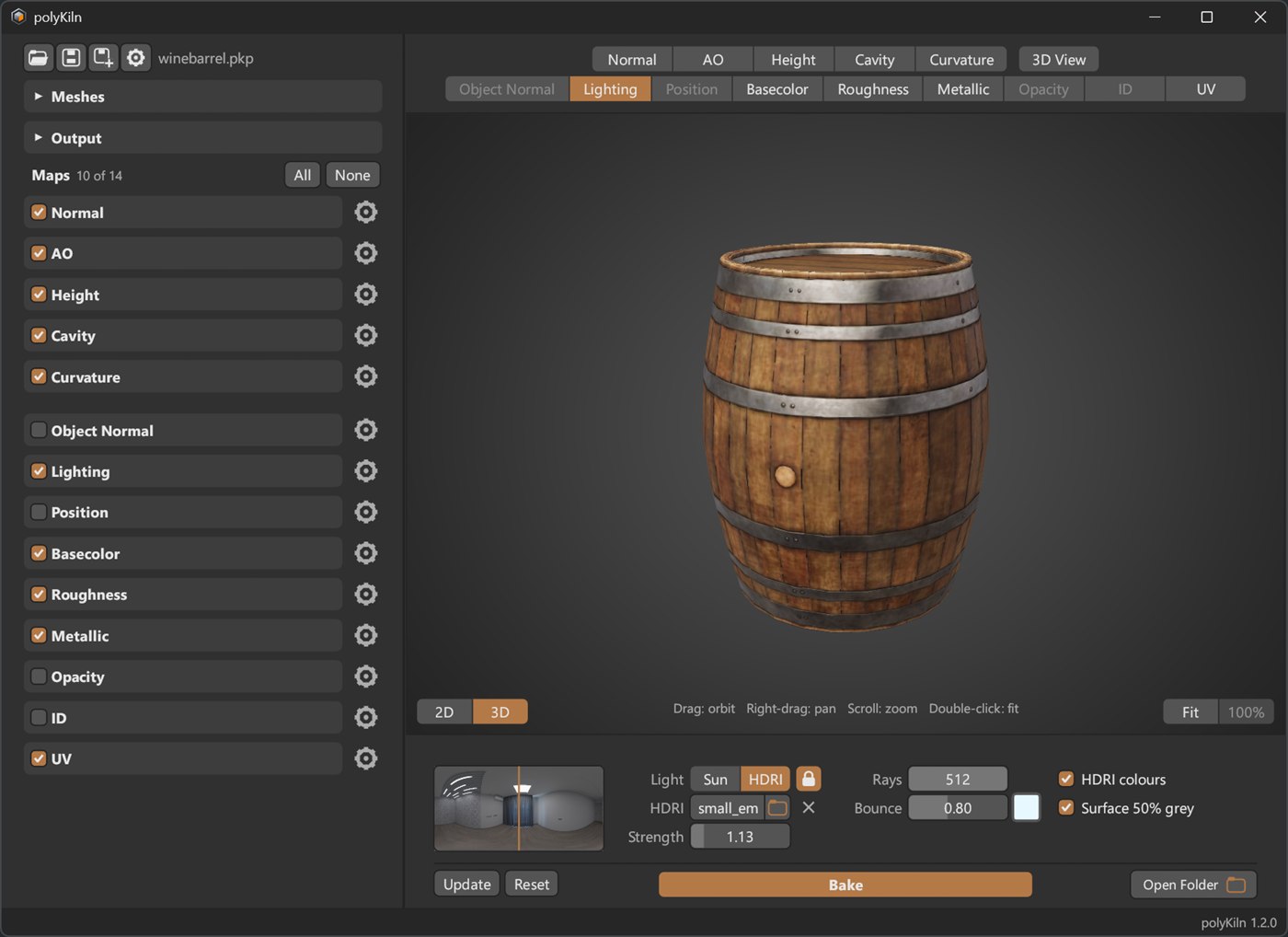
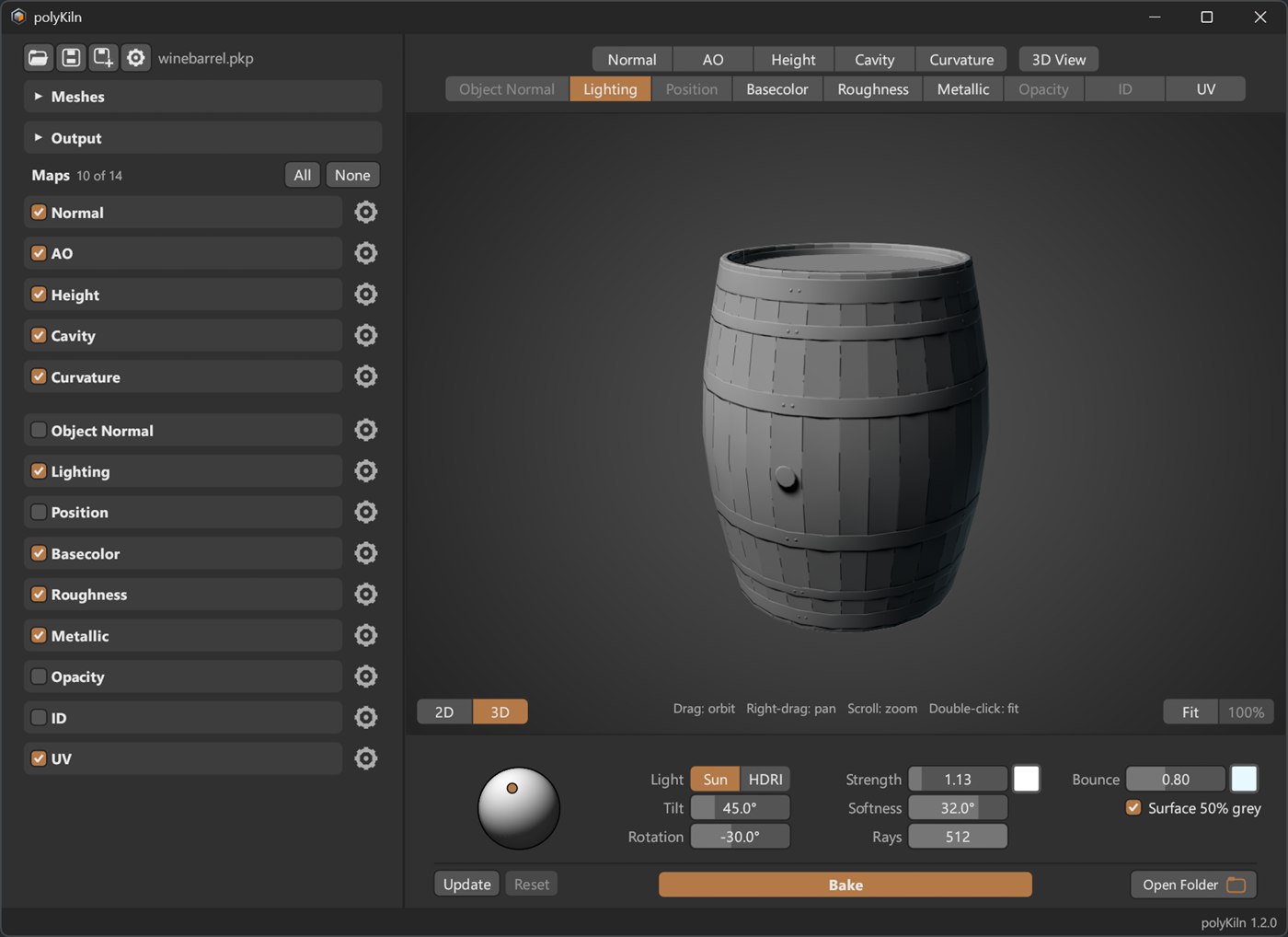
A wine barrel with its baked maps, lit by an HDRI in the 3D View.
What it does
You give polyKiln two meshes: the detailed high-poly and the game-ready low-poly with its UVs. It casts rays from the low-poly’s surface, finds the high-poly around it, and writes what it finds into images that line up with the low-poly’s UVs. Tick the maps you want, pick a size and click Bake.
The baking is done by polyKiln itself, on every core of your CPU. There’s nothing else to install, and no other program runs in the background.
Before You Start
- Windows 10 or 11, 64-bit.
- A CPU from 2013 or later (Intel Haswell / AMD Ryzen or newer).
- A graphics card with DirectX 12 or Vulkan, for the 3D View.
- A high-poly and a low-poly, as .obj or .fbx. The low-poly needs UVs.
The 3D View
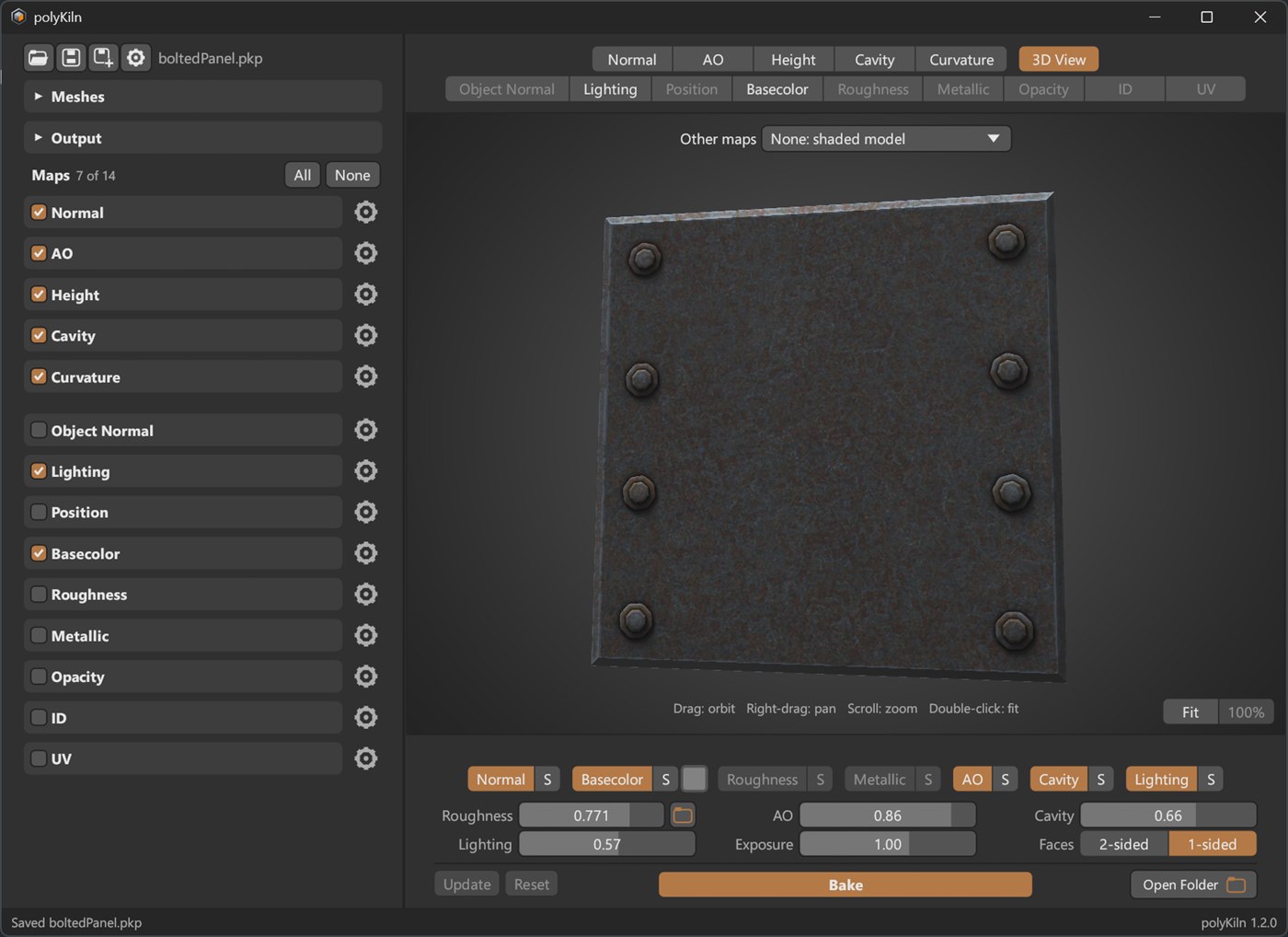
Every baked map can be seen flat, or on the model: click 3D above the map, or press Tab. The 3D View shows the low-poly with its maps, using Normal, Basecolor, Roughness, Metallic, AO, Cavity and Lighting. Each one can be switched off, or shown on its own. Any other map, or a checker for spotting UV stretching, can go on the model too.
Changing One Map
Each map’s settings are under its preview. Change one and a dot appears on the map’s tab: click Update to re-bake only that map, or Reset to go back to how it was. Projects are saved as small .pkp files, and when you open one again its baked maps are there.
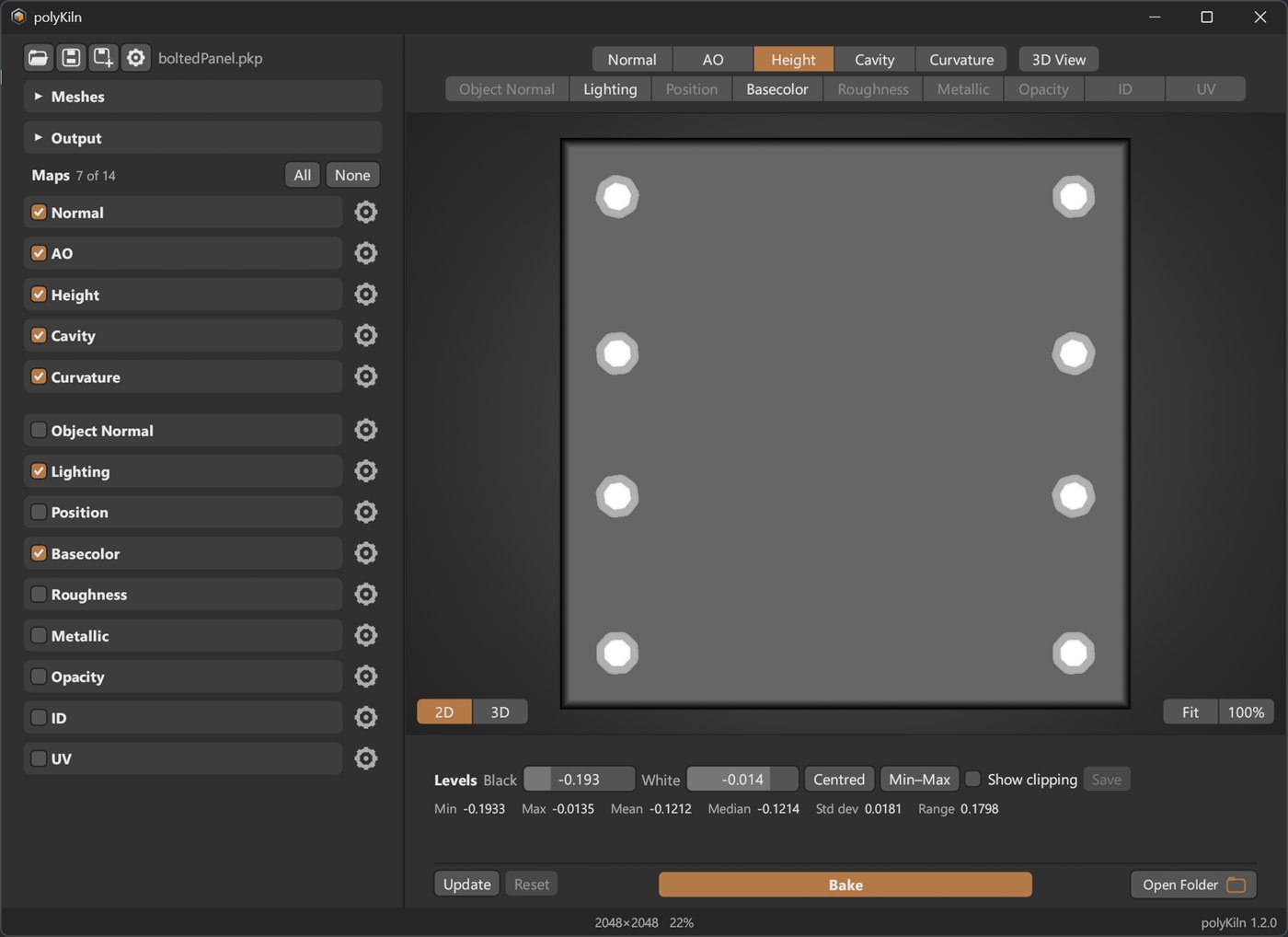
The Heightmap has Levels you can drag while you watch, with the height statistics underneath.
Maps
Bake all of them at once, or only the ones you need. The files are named so that PBR viewers pick them up by themselves.
| Normal | Tangent space (MikkTSpace) or object space. Flip green for DirectX-style engines. |
|---|---|
| AO | Ambient occlusion: soft shadows where shapes meet. |
| Height | How far the high-poly is above or below the low-poly, with Levels. |
| Cavity | Crevices and small dents. |
| Curvature | Edges and dips, in grey, two-tone or tricolor. |
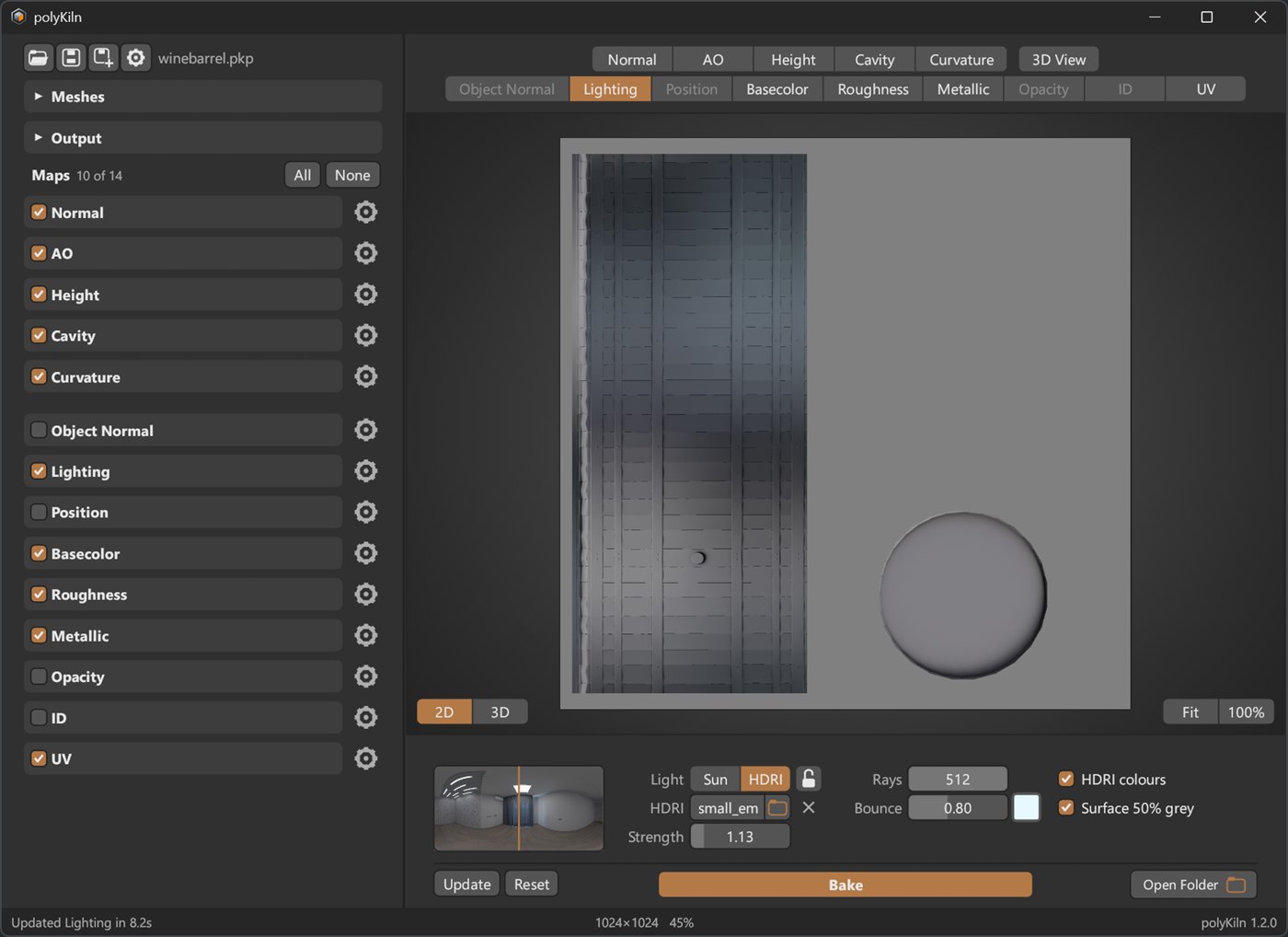
| Lighting | Sun or HDRI light, with shadows. See below. |
| Object Normal | Normals in object space, for effects placed in 3D. |
| Position | Position in space, for seamless 3D grunge and gradients. |
| Basecolor | The high-poly’s own textures and colours. |
| Roughness | From the high-poly’s materials, or as glossiness. |
| Metallic | From the high-poly’s materials. |
| Opacity | Where the high-poly is and isn’t. |
| ID | By material, object, material colour, or separate pieces. |
| UV | The UV layout as an image to paint over. |
Click a map to see the whole window:
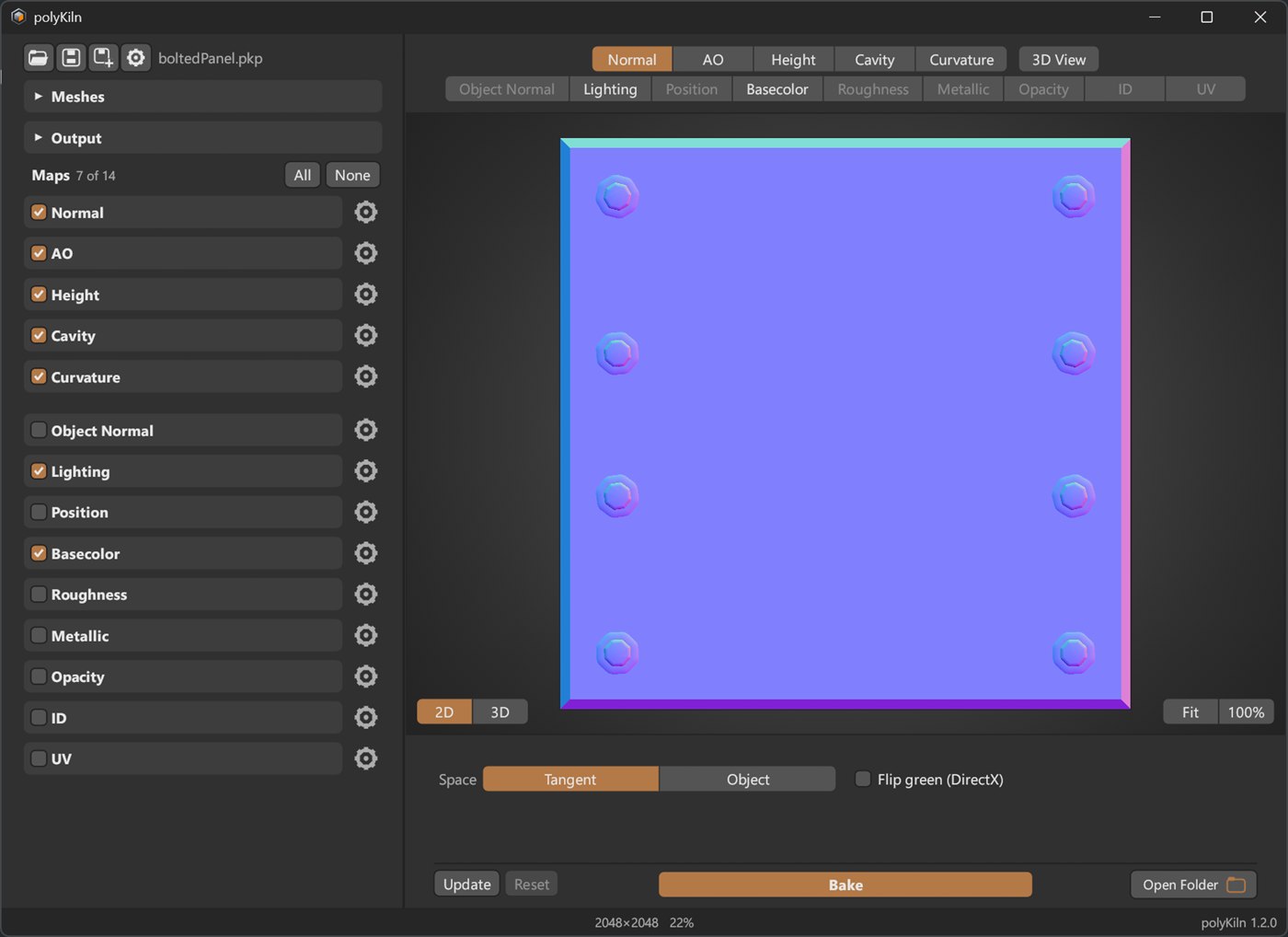 Normal |
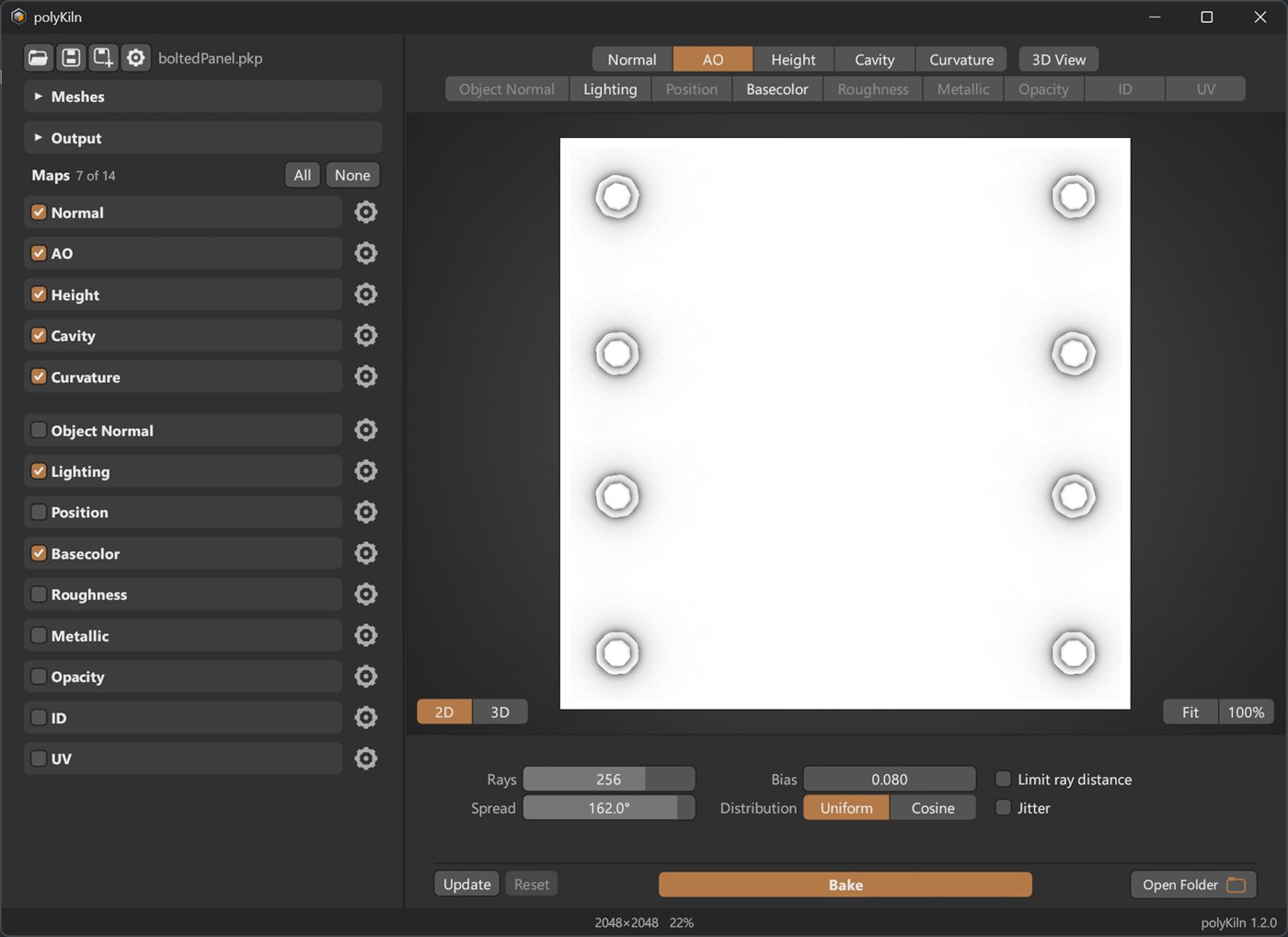 AO |
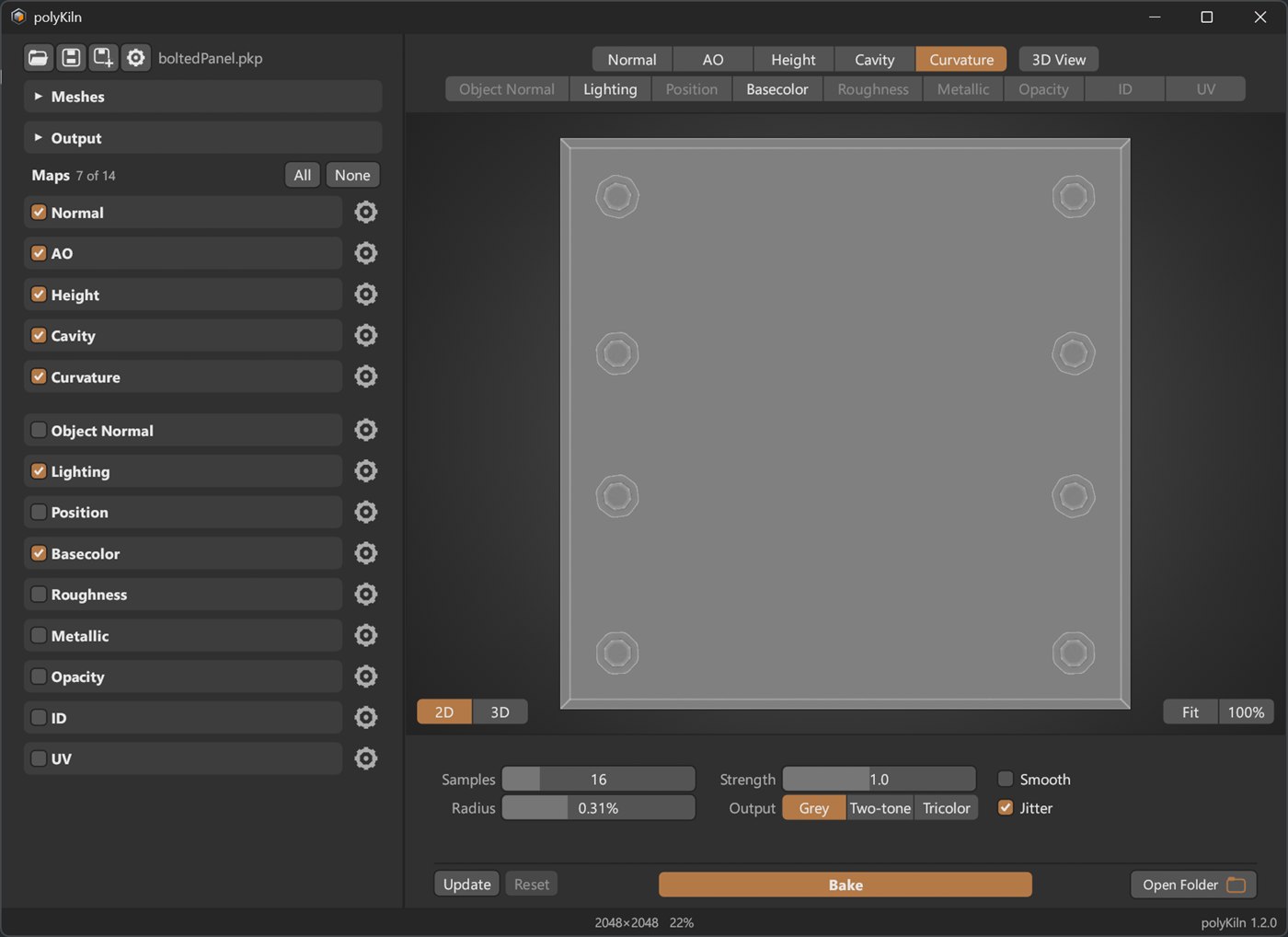 Curvature |
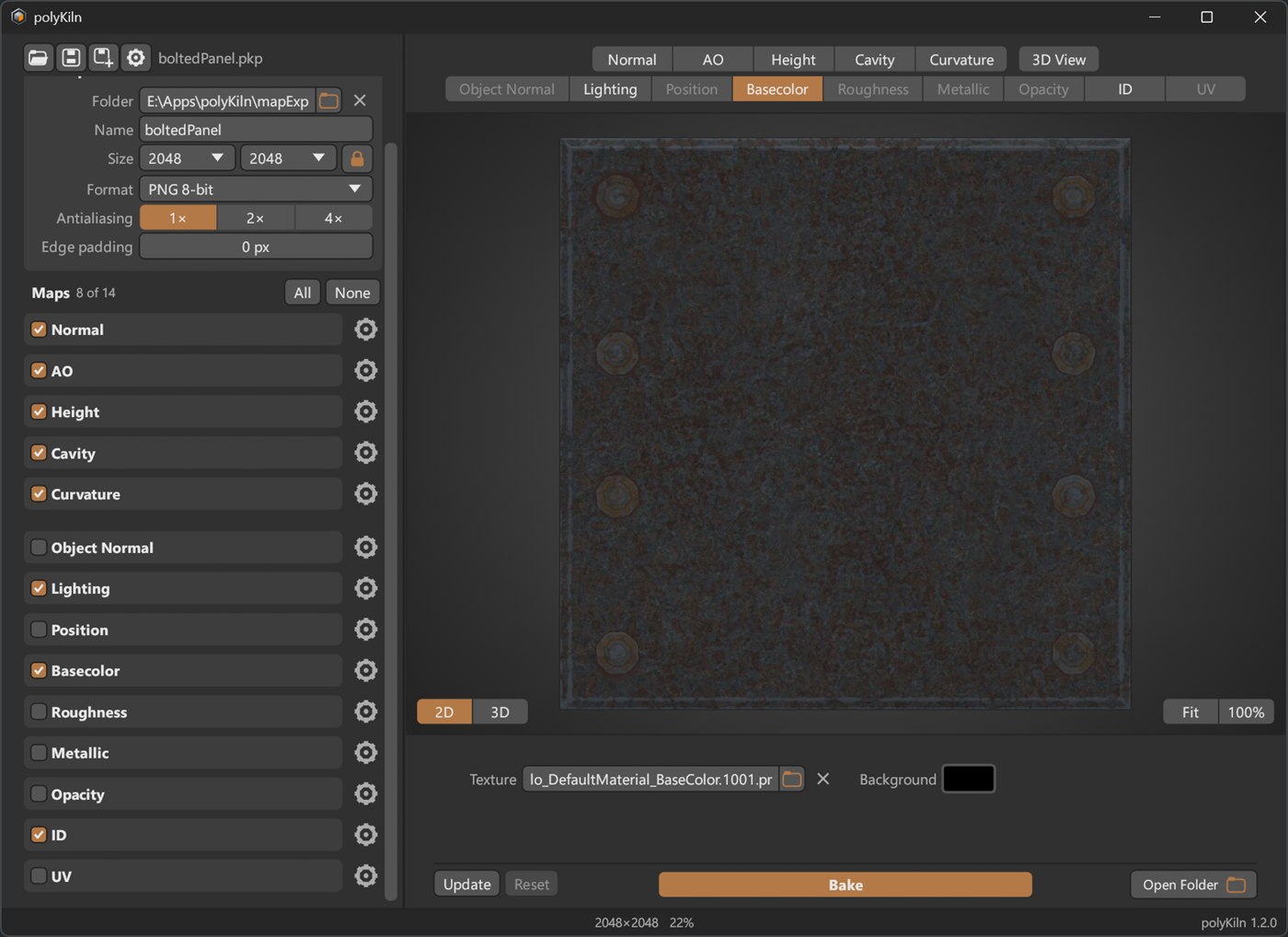 Basecolor |
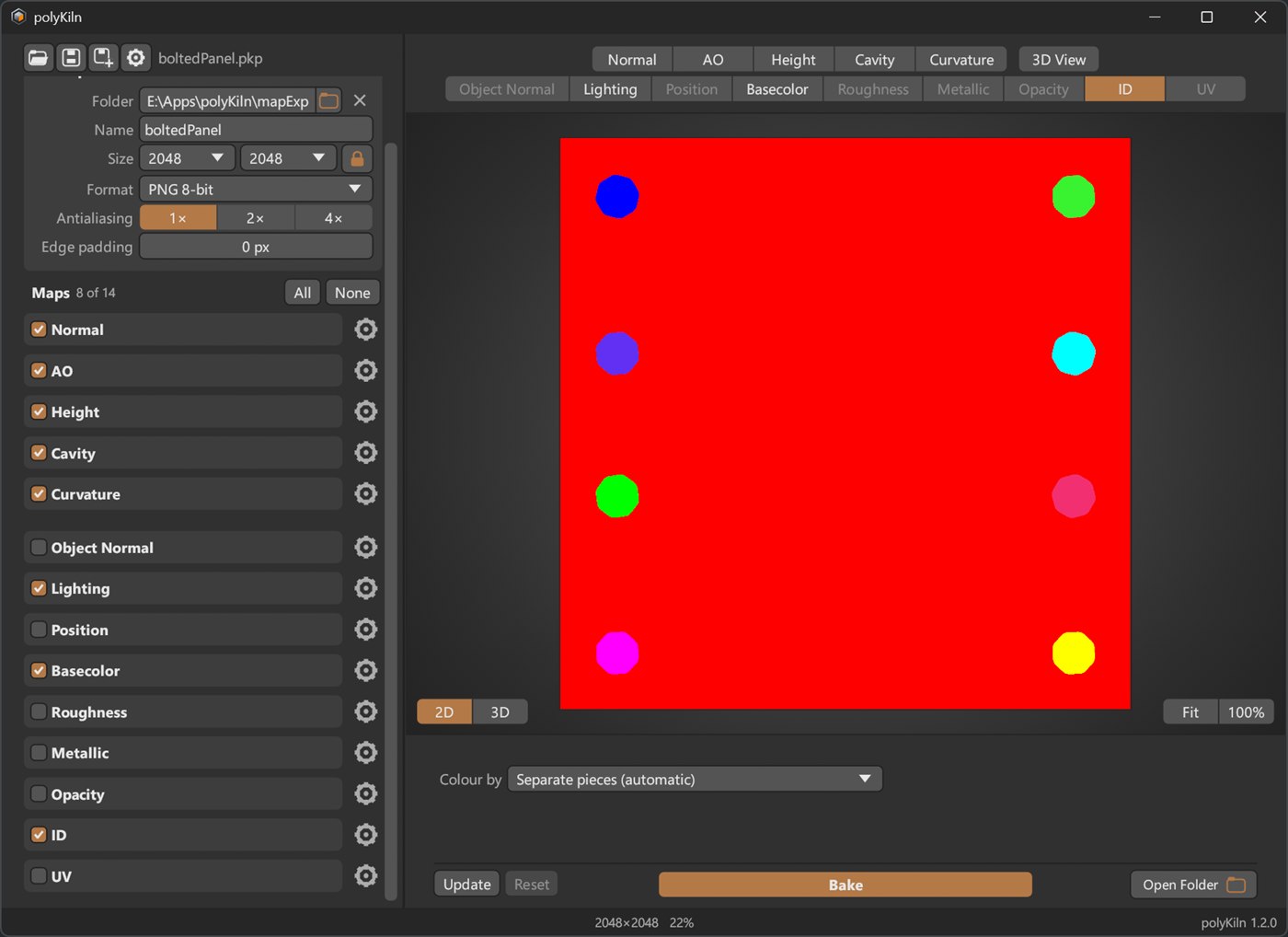 ID |
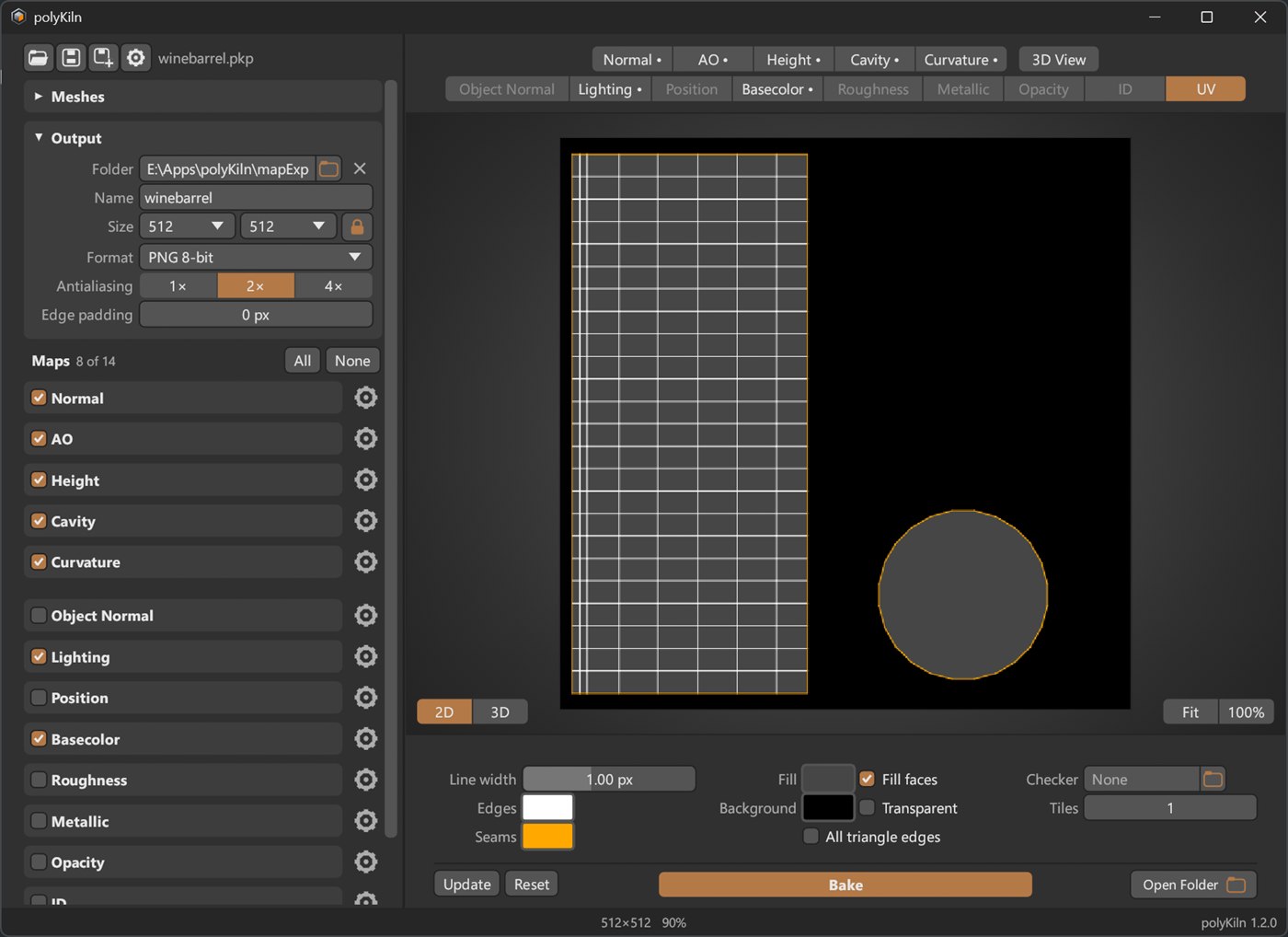 UV |
The Lighting Map
A shading layer for your colour texture. The model is lit by a sun or by an HDRI, with shadows from the high-poly. Put it on top of your texture as an Overlay layer in Photoshop: 50% grey leaves the colour alone, so only the light and shadows show.
- Sun: aim it by dragging on a sphere. Hard or soft shadows.
- HDRI: ten from Poly Haven come with polyKiln, or use your own .exr or .hdr.
- A bounce light for the dark side, and a colour for each light.
- Drag the HDRI strip and the model in the 3D View turns with the light, before you bake.
- Save the setups you like as presets.
Other Settings
- Cages: automatic, or your own cage mesh.
- Sizes from 128 to 8192, antialiasing up to 4×, edge padding.
- PNG 8 or 16-bit, TGA, TIFF 16-bit, EXR 32-bit float.
- Watch the maps fill in while they bake: buckets, spiral, rows or chunks.
- Themes, your own colours, and an adjustable interface size.
New in 1.2
- The 3D View is now in the main window. Any map switches between flat and 3D with one click, or Tab.
- Roughness and Metallic maps, shown on the model with PBR shading.
- Turn the Lighting map’s HDRI and the model’s light changes with it.
- Chunks: a new bake preview, with buckets appearing all over the map.
- Your own checker texture, with tiling, and 1- or 2-sided faces.
- Sliders change from where they are; hold Shift for small steps.
polyKiln is free for personal and commercial work.
HDRIs and the high-poly wine barrel from Poly Haven (CC0).